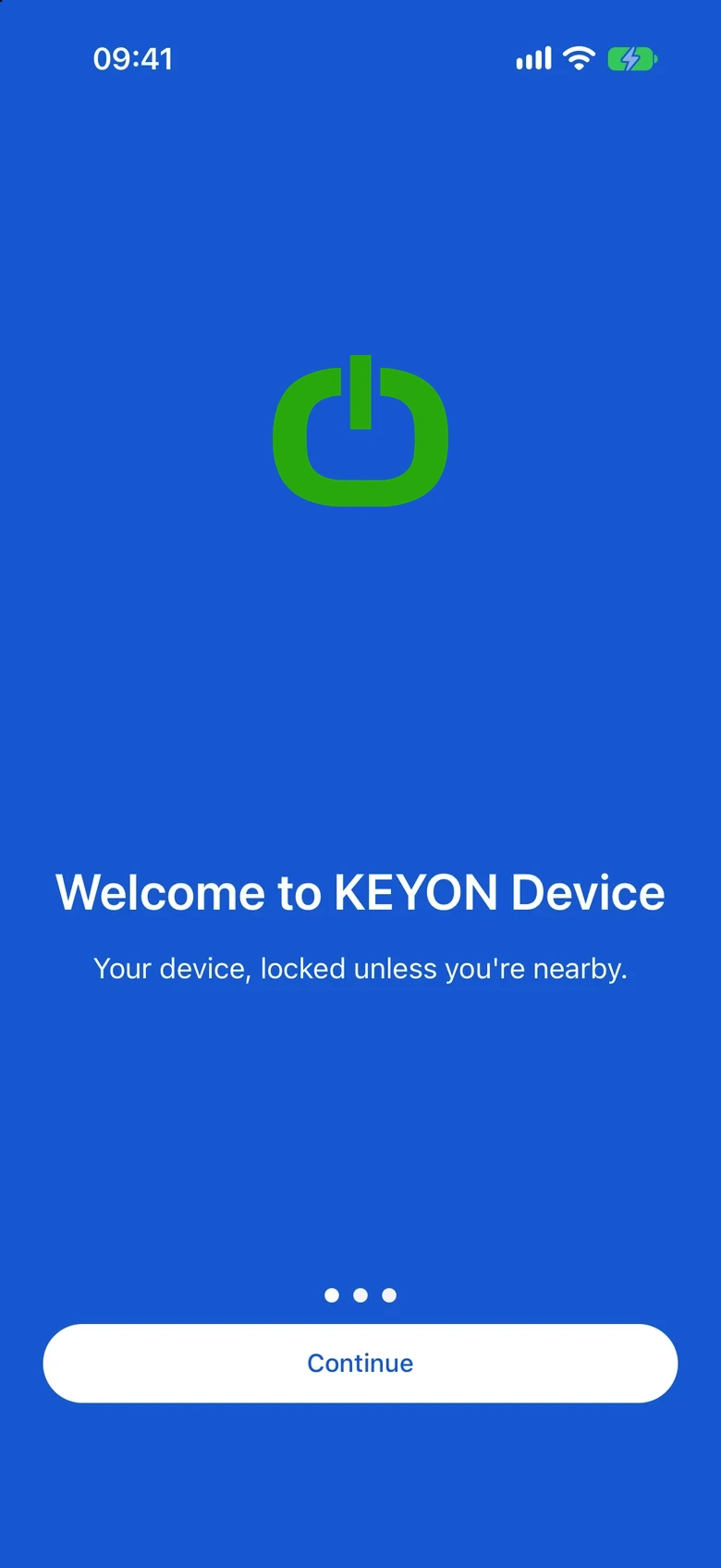
 KEYON Device
All your devices.
Finally, in one place.
Pair, name and manage every Bluetooth device from one app. Swipe to unlock when you are near. It locks itself when you leave.
01 · Connect
Find it. Tap it.
Connected.
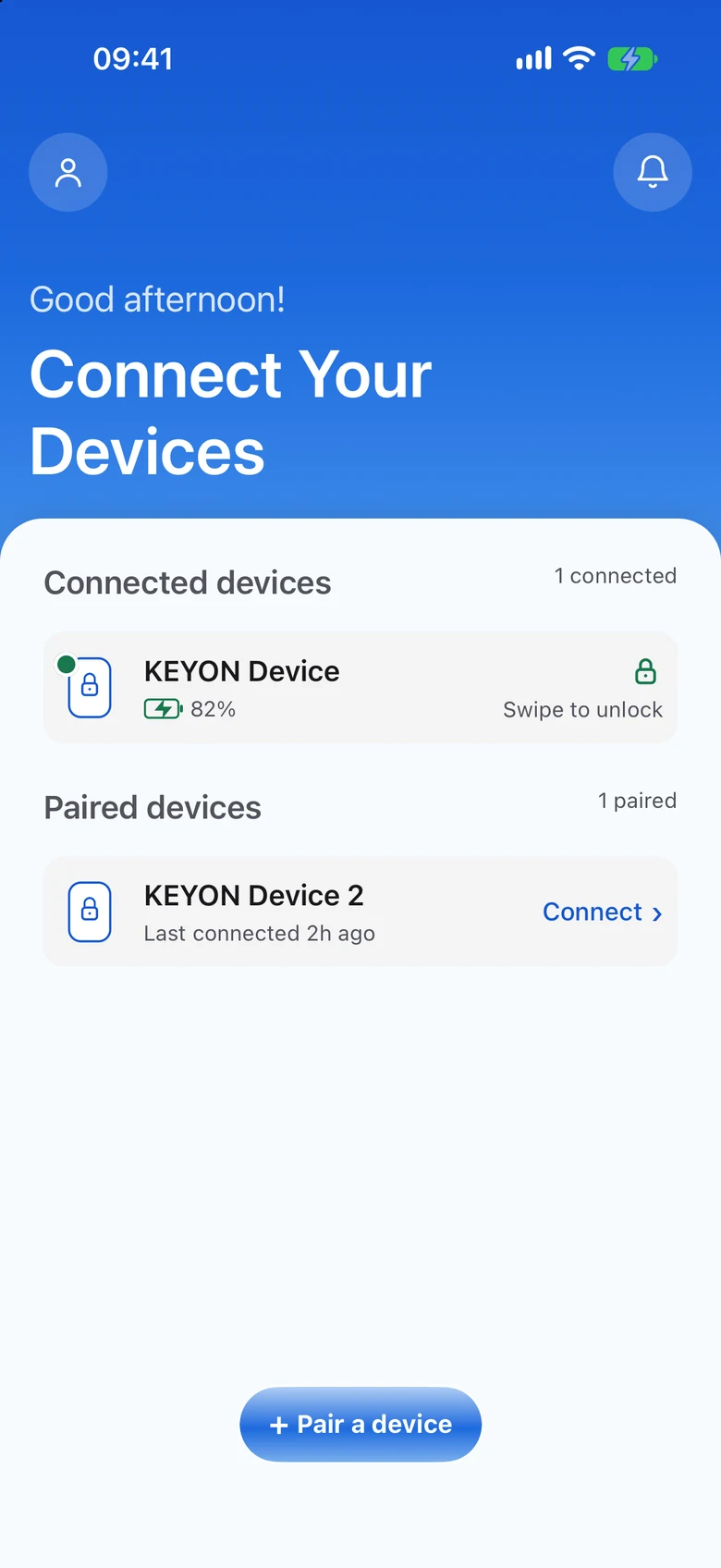
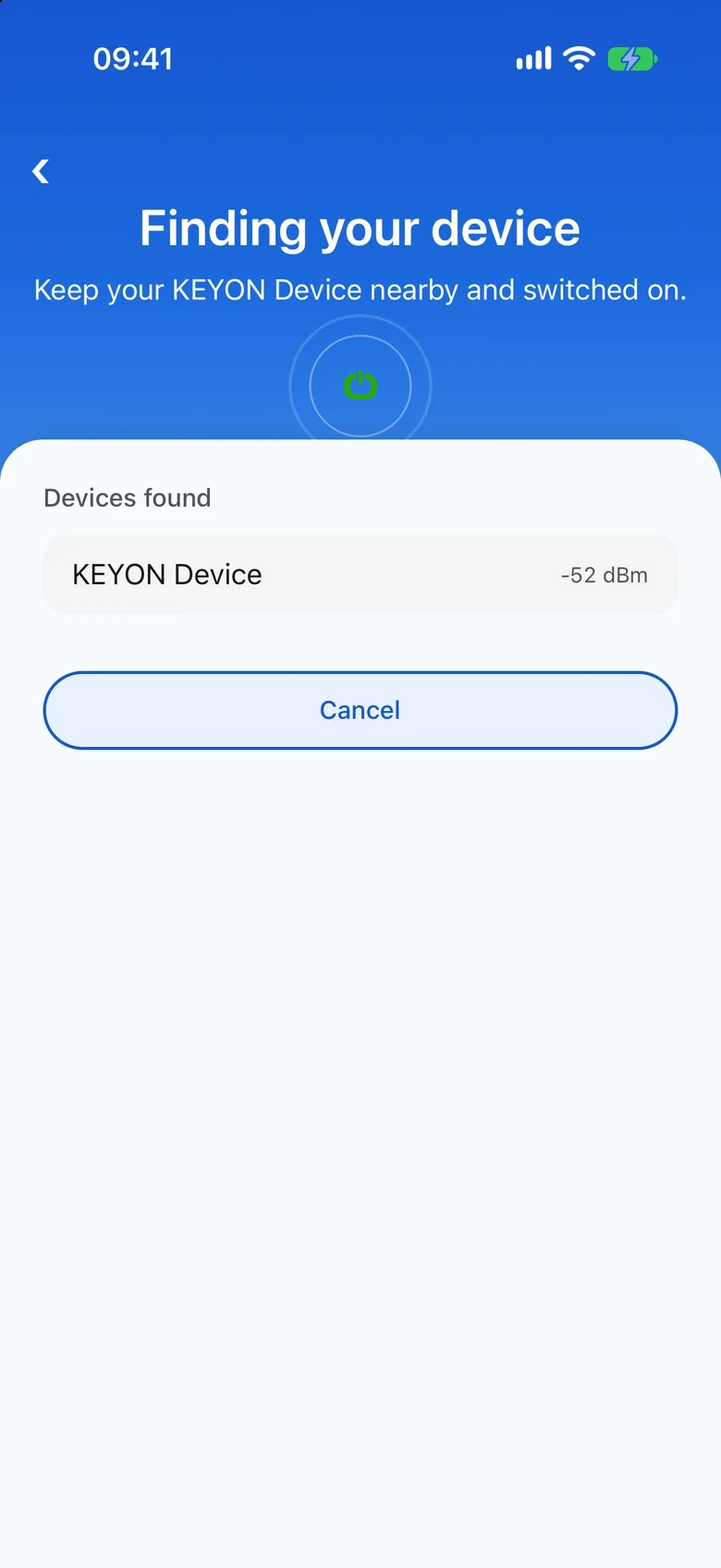
KEYON Device listens for your device, shows it the moment it appears, and remembers it for next time.
Keep it nearby
Switch your device on. KEYON Device starts looking right away.
Tap your device
It appears in "Devices found" with its signal strength.
You are connected
It joins your account, with battery and lock status.
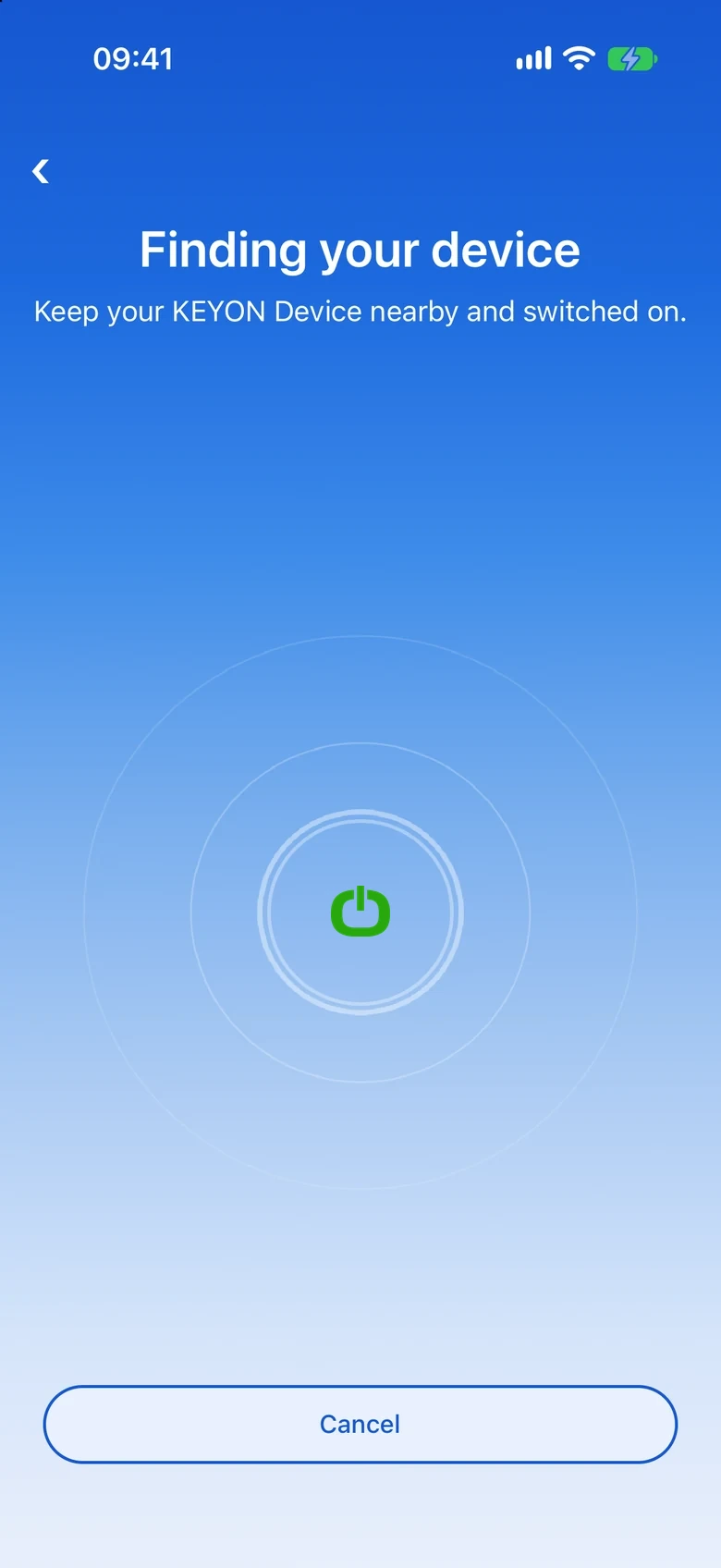
Every device, one clear screen.
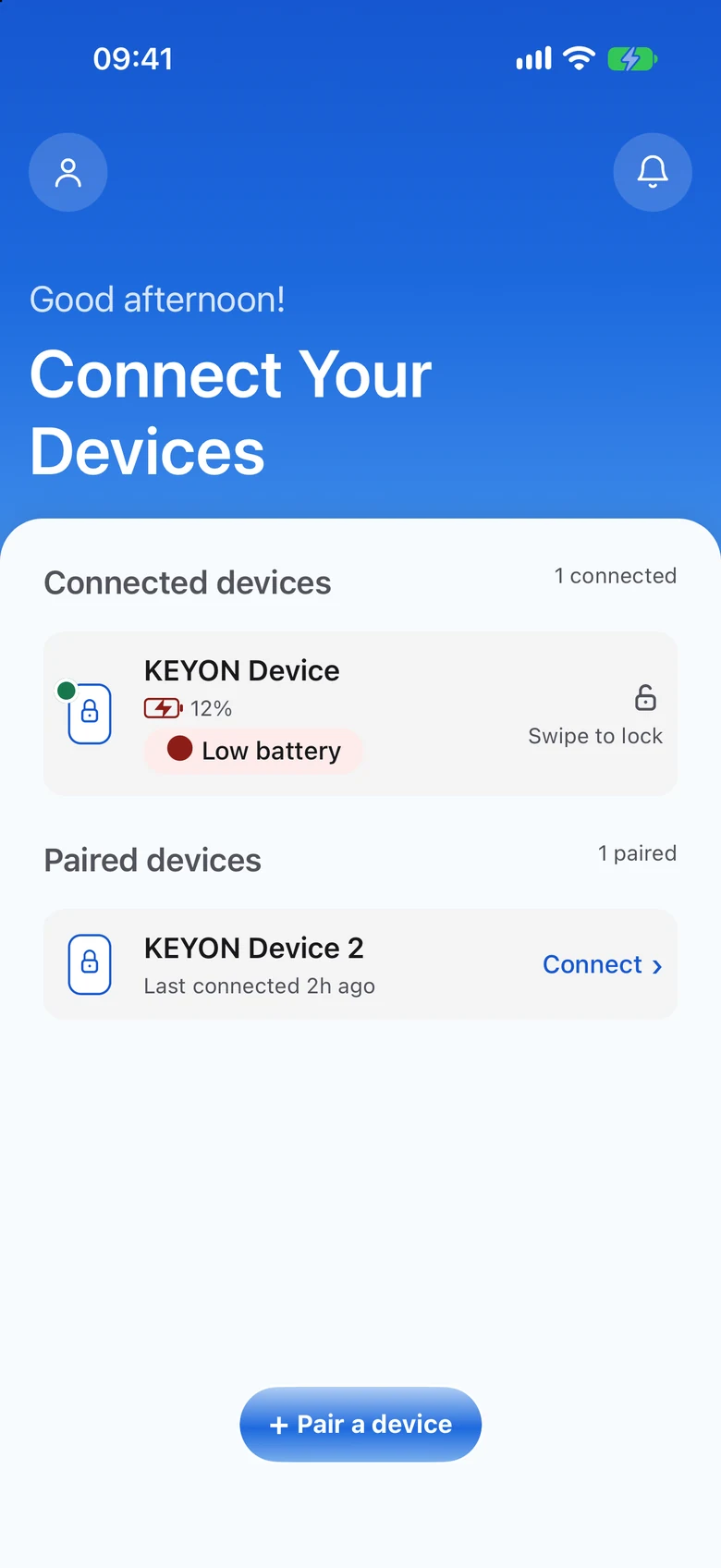
Connected devices sit on top. Paired ones sit below, with when you last used them.
Unlocks near you.
Locks when you leave.
Swipe a device to unlock or lock it while your phone is close. Walk out of range and it locks on its own, even if KEYON Device is closed.
- Swipe a device to lock or unlock
- Automatic lock when you leave range
- The device keeps the timer, not the app
What is inside.
Multiple devices
Pair as many as you own. Connected devices sit on top, paired devices below.
Locks itself
Out of range means locked, even when the app is closed.
Battery
Charge on every connected device, with a clear low warning.
Remembered
Paired devices stay on your account, with the time you last used each.
Simple sign-in
Your email or phone number, with a one-time code.
Questions.
What does KEYON Device do?
It pairs your Bluetooth devices to your account, lets you manage them in one place, and keeps them locked unless your phone is nearby.
Does it lock when the app is closed?
Yes. When your phone moves out of range, the device locks itself, even if KEYON Device is not running.
Which phones does it work on?
iPhone and Android. Keep Bluetooth switched on when you connect.
How do I sign in?
With your email or your phone number. We send a one-time code, so there is no password to remember.
Can I use more than one device?
Yes. Add as many as you own and manage them from the same screen.